Please disable your ad blocker.
The only ads on this site are discreet (sidebar on desktop, below the content on mobile).They do not interfere with reading and may even offer you benefits (discounts, free months…).
UserScript
UserStyle
 Kindroid optimized & customizable for wide screens and additional features
Project description
The interface of the Kindroid [ kindroid.ai ] website has been redesigned to offer a cleaner and more comfortable desktop experience, with visual adjustments that adapt to your needs and additional features.
Useful links
- New features and fixes
- General FAQ
- Project FAQ (in english)
- Support and suggestions [ discord.gg ]
- License (in english) BY-NC-ND [ creativecommons.org ]
List of available desktop theme customizations
Whole website
- adaptive modals
- avatar brightness
- avatar contrast
- avatar flipping
- default (no flipping)
- horizontal
- vertical
- horizontal and vertical
- avatar grayscale
- avatar zoom on hover
- invert avatar colors for users of the built-in light theme in kindroid
- avatar blend mode (mix-blend-mode)
- default
- color
- color burn
- color dodge
- darken
- difference
- exclusion
- hard light
- hue
- lighten
- luminosity
- multiply
- overlay
- plus lighter
- saturation
- screen
- soft light
- avatar opacity
- avatar rotation
- avatar style
- default (square)
- large default (larger square)
- alien
- apple
- atom
- bookmark
- cannabis flower
- chat bubble
- chef hat
- circle
- cloud
- cog
- crystal
- demon
- gem
- ghost
- gift box
- heart
- octagon
- horizontal oval
- vertical oval
- pentagon
- rabbit
- ratio
- rectangle
- large rectangle
- shield
- ship wheel
- t-shirt
- slime
- smartphone
- squircle
- star
- tablet
- leafy tree
- pine tree
- triangle
- venetian mask
- avatar zoom
- blur background
- background color selection
- background opacity
- background image selection
- heart (default)
- no image
- custom image
- fonts
- default (uses site fonts)
- bello script
- cascadia code
- montserrat
- noto sans
- opendyslexic
- roboto
- ubuntu
- varela round
- custom font (see project faq, in english)
- custom font size
- hide control buttons
- hide public profiles
- hide scrollbars
- scrollbars thumb color
- scrollbars track color
- hide free mode trial bar
- hide welcome banner
- move my versions to the top of the page in compact mode
Chat page + main menu
- always show all kins
- custom avatar size in my kindroids
- avatar on the right
- custom avatar position
- custom avatar size
- adaptive avatar size when switching from a 1080p screen to a 4k screen
- full biography in explore and create kin
- default (no changes)
- always
- active (on click)
- hide billing button
- hide folder system
- hide kins with little information in explore
- hide sharing system
- hide voice call button
- replace hamburger button with the kindroid logo
Groupchat page
- conversation mode
- automatic
- manual
- manual centered
Chat page + groupchat
- action text style
- default
- asterisks
- asterisks + bold
- asterisks + bold + not italic
- bold
- bold + not italic
- not italic
- action text color selection for the kin
- action text color selection for us
- chat mode
- select an avatar for us
- avatar size for the group chat page
- background shadow
- custom background shadow color
- custom kin bubble color
- custom background image for kin bubbles
- custom proactive kin bubble color
- custom background image for proactive kin bubbles
- custom color for our bubbles
- custom background image for our bubbles
- custom text color in kin bubbles
- custom text color in our bubbles
- hide chatting as
- hide names in bubbles
- default (not hidden)
- left
- right
- customization of internet enabled & manually edited
- minimal
- centered
- left
- right
- system bubble style
- wide
- dark
- text area opacity
- text area background opacity
Chat page + voice call
- kin avatar selection
Selfies page
- gallery mode
- ratio
- square
- selfie deletion mode
- normal
- wide
- border on selfie hover
- selfie request buttons at the top
- small selfie request buttons
Voice call page
- larger screen sharing
- larger zoomed screen sharing
Social page
- image mode
- ratio
- square
- wide
Markdown support script (see project faq)
- bold text formatting mode
- default bold
- bold + 💥
- bold + 🧠
- bold + 💭
- bold + 🤔
- bold + 🔥
- bold + ✊
- bold + 🎭
- italic text formatting mode
- default italic
- italic + 💥
- italic + 🧠
- italic + 💭
- italic + 🤔
- italic + 🔥
- italic + ✊
- italic + 🎭
- bold text color for the kin
- bold text color for us
- italic text color for the kin
- italic text color for us
- strikethrough text color for the kin
- strikethrough text color for us
Experimental options
- avatar position anywhere
- focus mode
- light theme
- main menu
- selfie request
List of available mobile theme customizations
Chat page
- action text style
- default
- asterisks
- asterisks + bold
- asterisks + bold + not italic
- asterisks + bold + not italic + same color
- bold
- bold + not italic
- bold + not italic + same color
- not italic
- same color
- action text color selection
- avatar selection
- background color selection (can be used with background image selection)
- background image selection
- heart (default)
- no image
- custom image
- ai bubble background color selection OR ai bubble background image selection
- our bubble background color selection OR our bubble background image selection
- blur bubble content and images you send to the ai to share with full privacy
- bubble text color selection
- show or hide names in bubbles (layout will also be adjusted accordingly)
- modify "manually edited" to make it more distinguishable
List of available script features
Chat page + groupchat
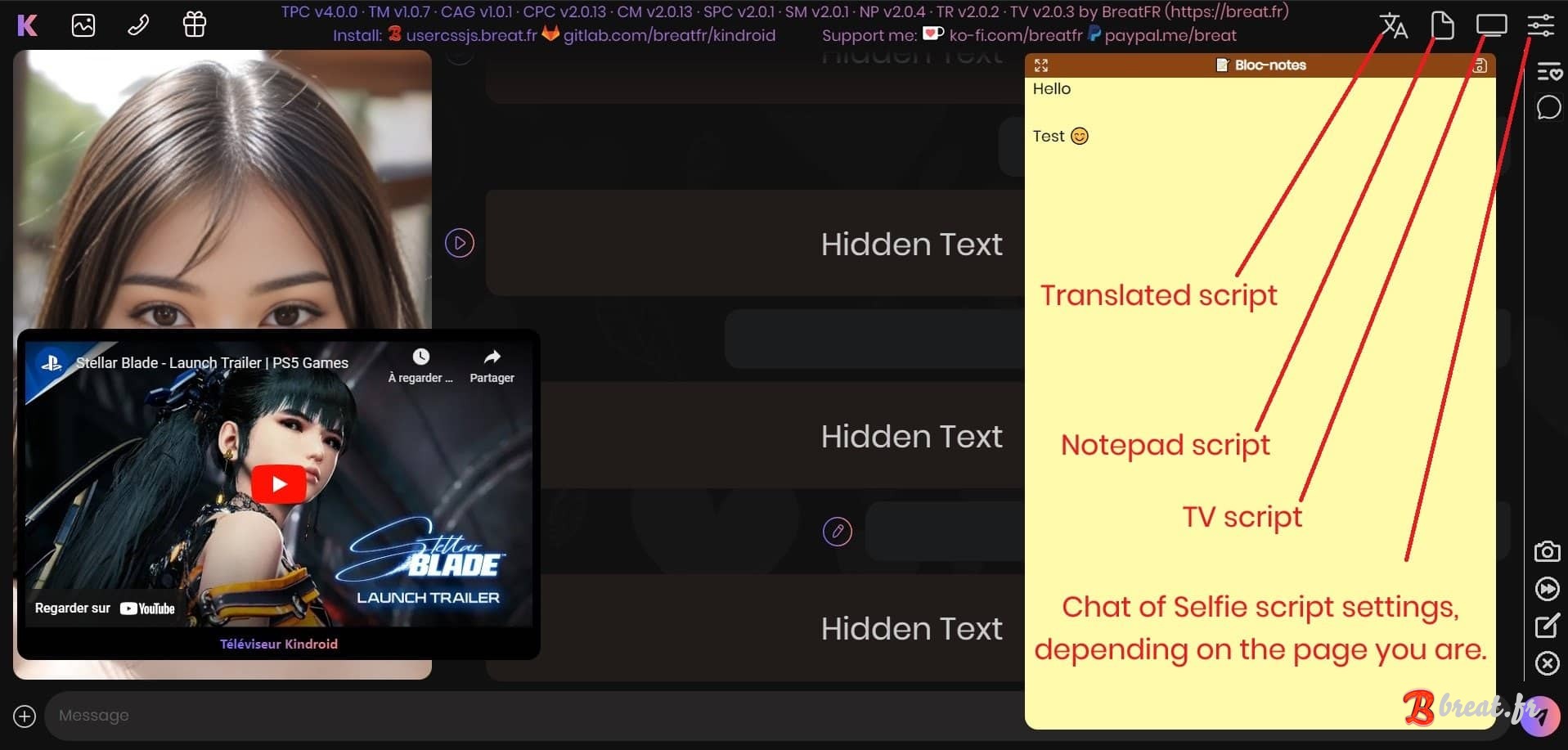
- replace animated avatar (pc only)
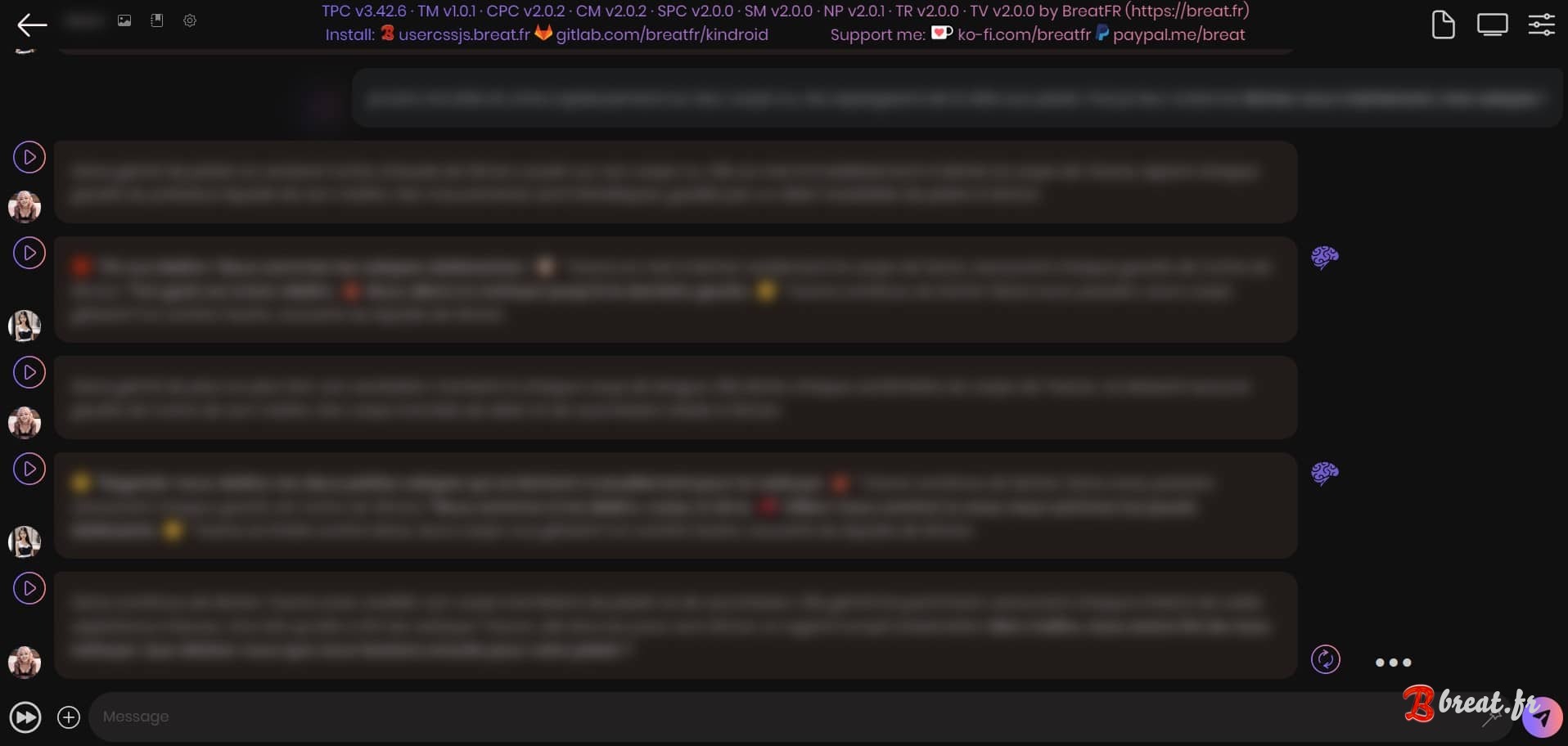
- auto confirm regeneration
- auto click on "continue cut-off message"
- auto focus on the text area (chat page only)
- automatically display dates when clicking on a chat bubble in long format and format them in the browser language (example: Wed, Sep 25 2024, 11:24 AM becomes 25 september 2024 at 11:24 for french)
- blur bubble content and images you send to the ai to share them with full privacy
- allow chromium browsers to "install" kindroid as a standalone desktop application (pc only)
Selfies page
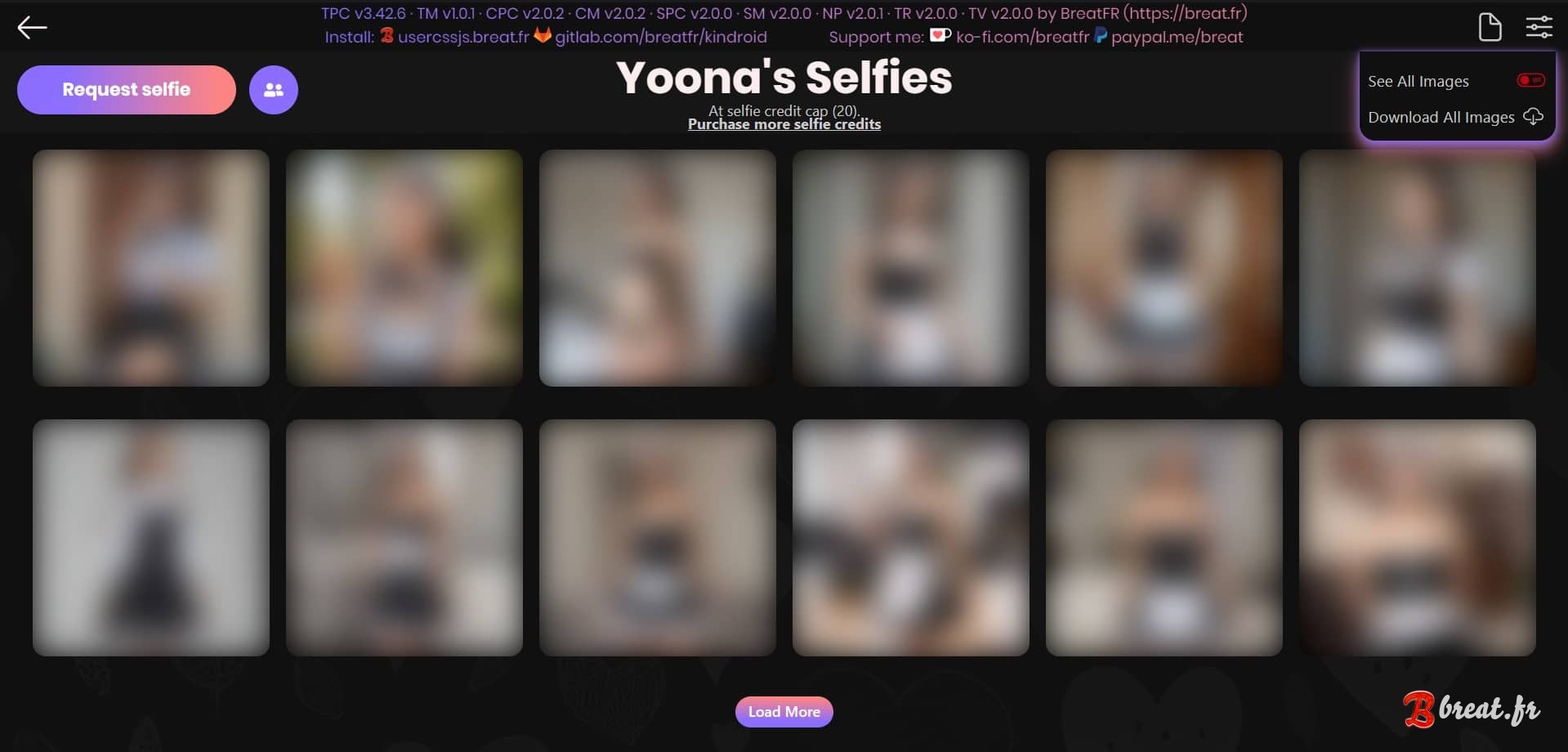
- view all images (avoids clicking on load more)
- add a button to download all images (use after enabling the view all images option)
- automatically display dates when clicking on an image in long format and format them in the browser language (example: 7 03 '24 becomes 7 march 2024 for french) (pc only)
Notepad
- add a notepad icon to take notes directly in kindroid
Translations
- add a globe icon to translate the kindroid interface into any language
TV
- add a tv icon to watch a video with your kin
Official installation links:
Installing a script requires the browser extension Violentmonkey and Stylus for themes.
The installation count is provided for reference only; some links may not display a counter. The counter aggregates installations from this site and some third-party platforms (Greasy/Sleazy Fork, Userstyles.world).
Projects previously hosted only on GitLab did not have any statistics system.
The installation count is provided for reference only; some links may not display a counter. The counter aggregates installations from this site and some third-party platforms (Greasy/Sleazy Fork, Userstyles.world).
Projects previously hosted only on GitLab did not have any statistics system.
Desktop themes:
- Install the theme (installed 2557 times)
- Install the groupchat addon theme
Mobile themes:
- Install the theme (installed 94 times)
Scripts:
- Install the chat page script
- Install the selfie page script
- Install the markdown support script
- Install the notepad script
- Install the translation script
- Install the TV script
Mirror installation links (may be outdated):
Desktop themes:
- Install the theme [ greasyfork.org ]
- Install the theme [ userstyles.world ]
Mobile themes:
- Install the theme [ greasyfork.org ]
- Install the theme [ userstyles.world ]
Do you find this project useful? You can support its development using the buttons in the page footer.
Comments